Build a Stronger Technical Foundation for On-Page SEO
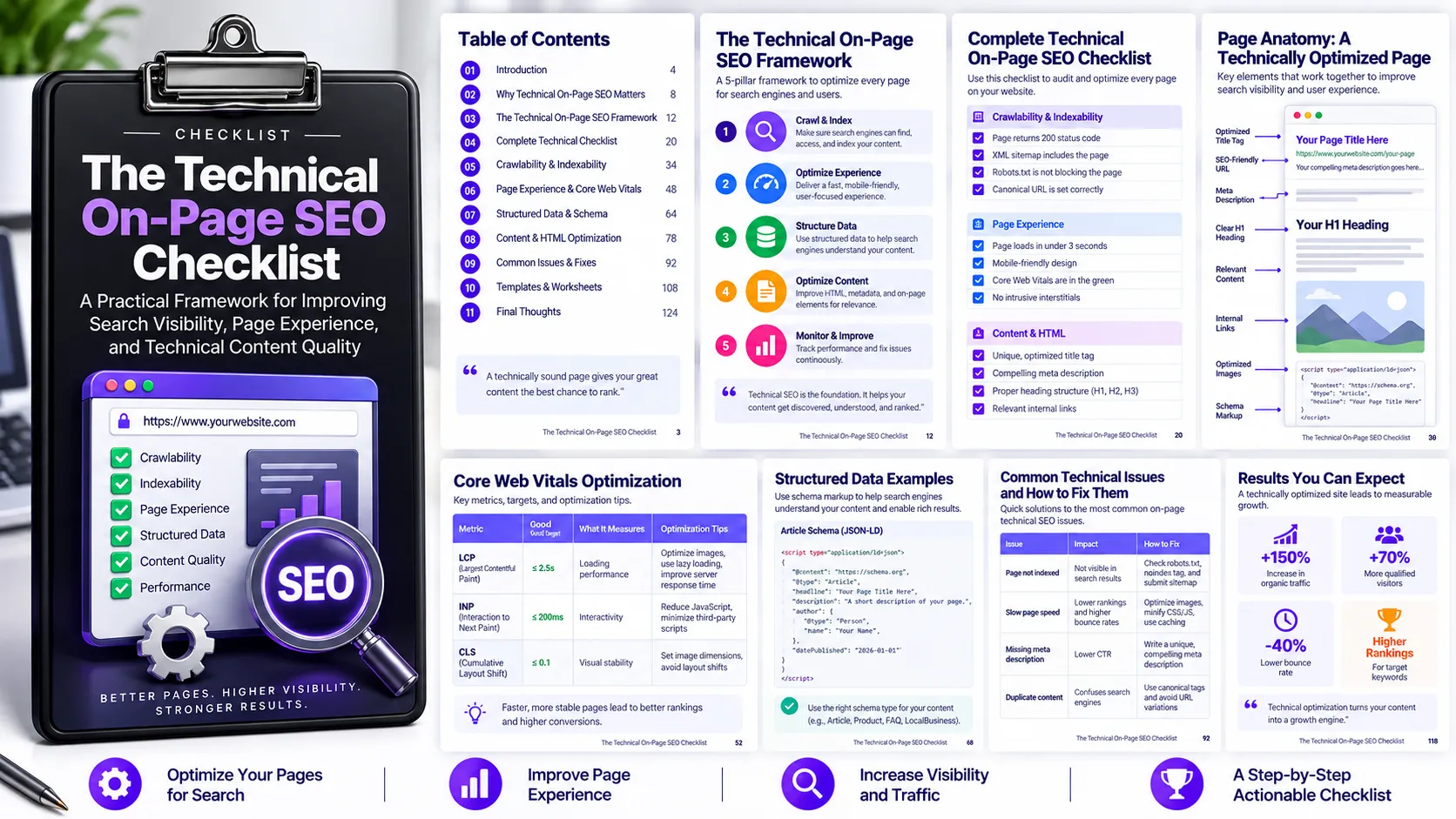
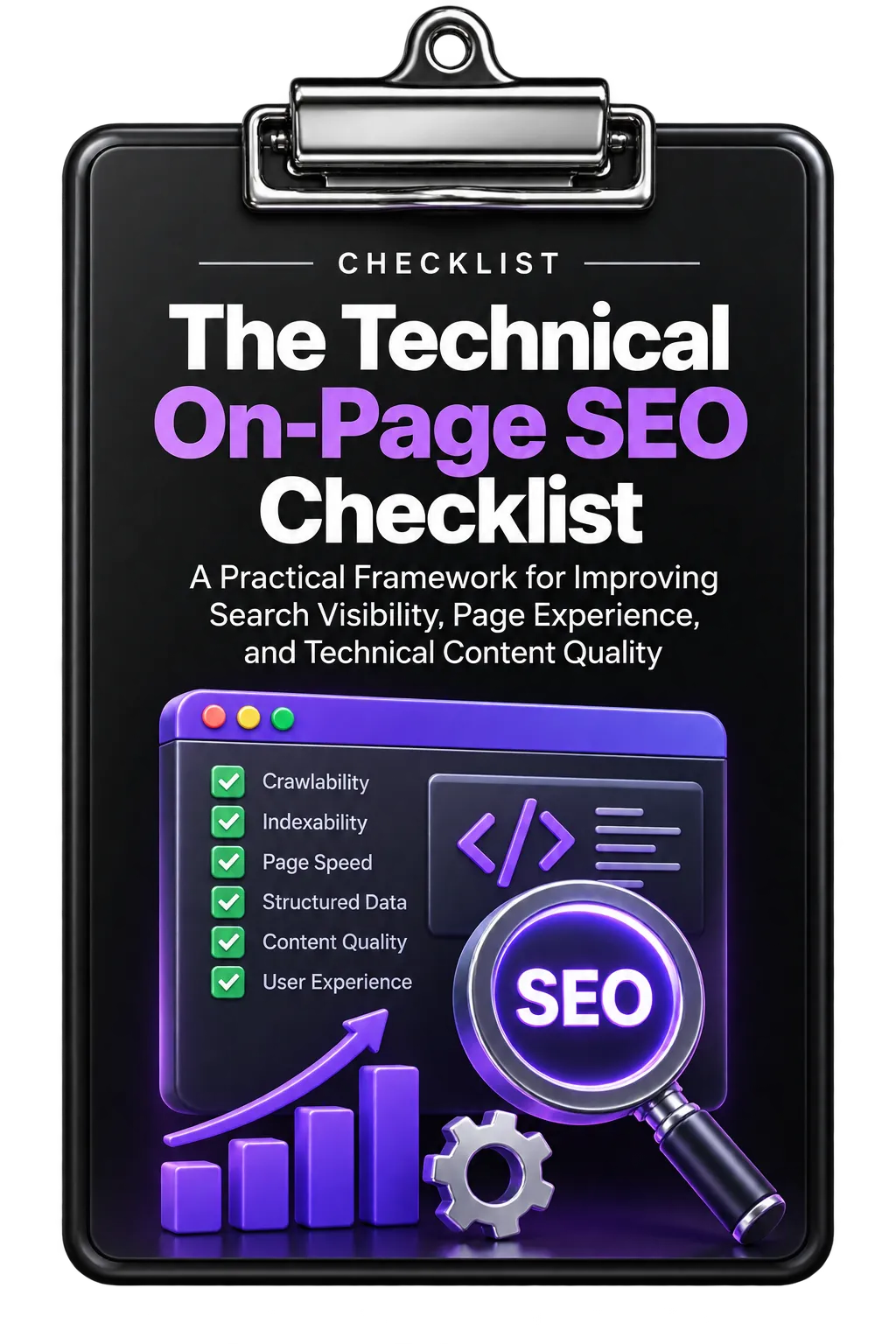
Technical on-page SEO involves more than optimizing keywords and page copy. The Technical On-Page SEO Checklist focuses on the technical elements that influence page quality, usability, search visibility, and the way search engines understand website content.
The framework is organized into five areas: Core Web Vitals optimization, schema markup implementation, internal linking, accessibility, and regular maintenance. Together, these areas provide a practical system for identifying technical issues and maintaining content over time.
1. Optimize Core Web Vitals and Page Experience
The first step is to understand your current performance. The checklist recommends using Google PageSpeed Insights or Chrome DevTools to establish a baseline for Largest Contentful Paint (LCP), Interaction to Next Paint (INP), and Cumulative Layout Shift (CLS).
Improve Largest Contentful Paint
LCP measures loading performance and reflects how quickly users can see the main content. The checklist recommends working toward an LCP of 2.5 seconds or less through techniques such as image compression, server-side caching, and reducing render-blocking resources.
Improve Interaction to Next Paint
INP focuses on interaction responsiveness. The checklist recommends keeping interaction response time under 200ms by minimizing JavaScript execution time, breaking up long tasks, and avoiding heavy scripts that block the main thread.
Reduce Cumulative Layout Shift
Visual stability is another important part of page experience. The checklist recommends keeping CLS below 0.1 by defining dimensions for media elements, avoiding the insertion of content above existing elements, and preloading critical fonts.
Optimize Images
Image optimization can support page performance. The resource recommends converting images to WebP, using responsive images with
srcset attributes, and applying lazy loading to images that are below the initial viewport.2. Implement Structured Data With Schema Markup
Schema markup helps search engines interpret the meaning and type of content on a page. The appropriate schema type should be selected according to the content's format and purpose.
Choose the Appropriate Schema Type
The checklist identifies several schema types, including Article, FAQ, HowTo, and Product. The selected markup should correspond to the actual content being presented.
Implement Article Schema
For blog posts and long-form content, the checklist recommends Article schema with appropriate properties such as headline, author, datePublished, and dateModified.
Use Specialized Schema Where Appropriate
FAQ schema can be used for question-and-answer sections, HowTo schema for instructional content, and Product schema for reviews or product pages. The resource presents specialized schema as a way to improve the possibility of earning rich results.
Validate and Monitor Structured Data
Schema implementation should be tested using Google's Rich Results Test and Schema Validator tools. After implementation, monitor impressions, clicks, and position changes in Google Search Console for pages using schema markup.
3. Strengthen Internal Linking
Internal links help organize website content and establish relationships between pages. The checklist recommends auditing the current internal linking structure to identify orphaned pages and pages with insufficient internal links.
Use a Pillar-Cluster Structure
The framework recommends organizing content around comprehensive pillar pages and related cluster content covering specific subtopics. Linking these pages together creates a logical structure and helps communicate topical relationships.
Write Descriptive Anchor Text
Internal-link anchor text should clearly describe what the visitor will find on the destination page. The checklist recommends descriptive anchor text of approximately three to six words rather than generic phrases such as “click here.”
Balance Internal Link Distribution
The resource recommends a distribution of 15+ internal links for pillar pages, 5–15 for cluster content, and 2–5 for supporting content. This approach is intended to help direct authority toward important pages.
Control Page Depth
Important pages should not be more than three clicks away from the homepage. The checklist notes that pages deeper than three clicks can receive insufficient link equity and may have reduced ranking potential.
4. Improve Accessibility
Accessibility is another component of the technical on-page experience. The checklist recommends implementing WCAG 2.2 accessibility standards across the content experience.
Improve Core Accessibility Elements
Key recommendations include providing appropriate alt text for images, using ARIA labels for interactive controls, maintaining a color contrast ratio of at least 4.5:1, and using body text of 16px or larger.
These improvements make content available to a broader range of users while supporting a more usable page experience.
Support Keyboard Navigation
Verify that interactive elements can be accessed and used through keyboard-only navigation. This is particularly important for users who rely on assistive technologies.
5. Establish a Regular Technical Maintenance Process
Technical SEO is not a one-time implementation task. The checklist recommends establishing recurring processes to identify issues and keep content technically sound.
Run Quarterly Technical Audits
Schedule quarterly checks covering schema validity, broken links, Core Web Vitals performance, and internal linking opportunities. Regular audits help identify technical problems before they accumulate.
Create a Content Refresh Calendar
Establish a process for identifying content with declining performance. The checklist specifically identifies a 20% performance drop over three months as a trigger for identifying content that may need an update.
Scheduling content refreshes helps maintain the relevance and competitiveness of existing pages rather than relying exclusively on creating new content.
A Practical Technical On-Page SEO Workflow
The checklist can be applied as a repeatable workflow:
- Measure performance: Establish a baseline for LCP, INP, and CLS.
- Improve page experience: Optimize loading, interaction responsiveness, visual stability, and images.
- Structure content for search engines: Select and implement appropriate schema markup.
- Validate structured data: Test schema implementation and monitor its search performance.
- Strengthen internal linking: Audit links, organize content into pillar and cluster relationships, and improve anchor text.
- Improve accessibility: Address alt text, ARIA labels, contrast, text size, and keyboard navigation.
- Maintain technical quality: Run quarterly audits and refresh content when performance declines.
Turn Technical SEO Into an Ongoing System
The value of technical on-page SEO comes from treating these improvements as an ongoing process rather than a one-time checklist. Performance needs to be measured, structured data needs to be validated, internal links need to be maintained, accessibility needs to be checked, and declining content needs to be identified for refresh.
By combining these activities into a repeatable workflow, teams can create a stronger technical foundation for their content while keeping pages usable, structured, accessible, and maintainable.
Use the complete checklist as a practical reference when auditing and improving the technical elements of your website's content.