Blogs / AI Image Prompt Generator: How to Write Better AI Art Prompts (+100 Examples)
AI Image Prompt Generator: How to Write Better AI Art Prompts (+100 Examples)
Klyra AI / May 8, 2026
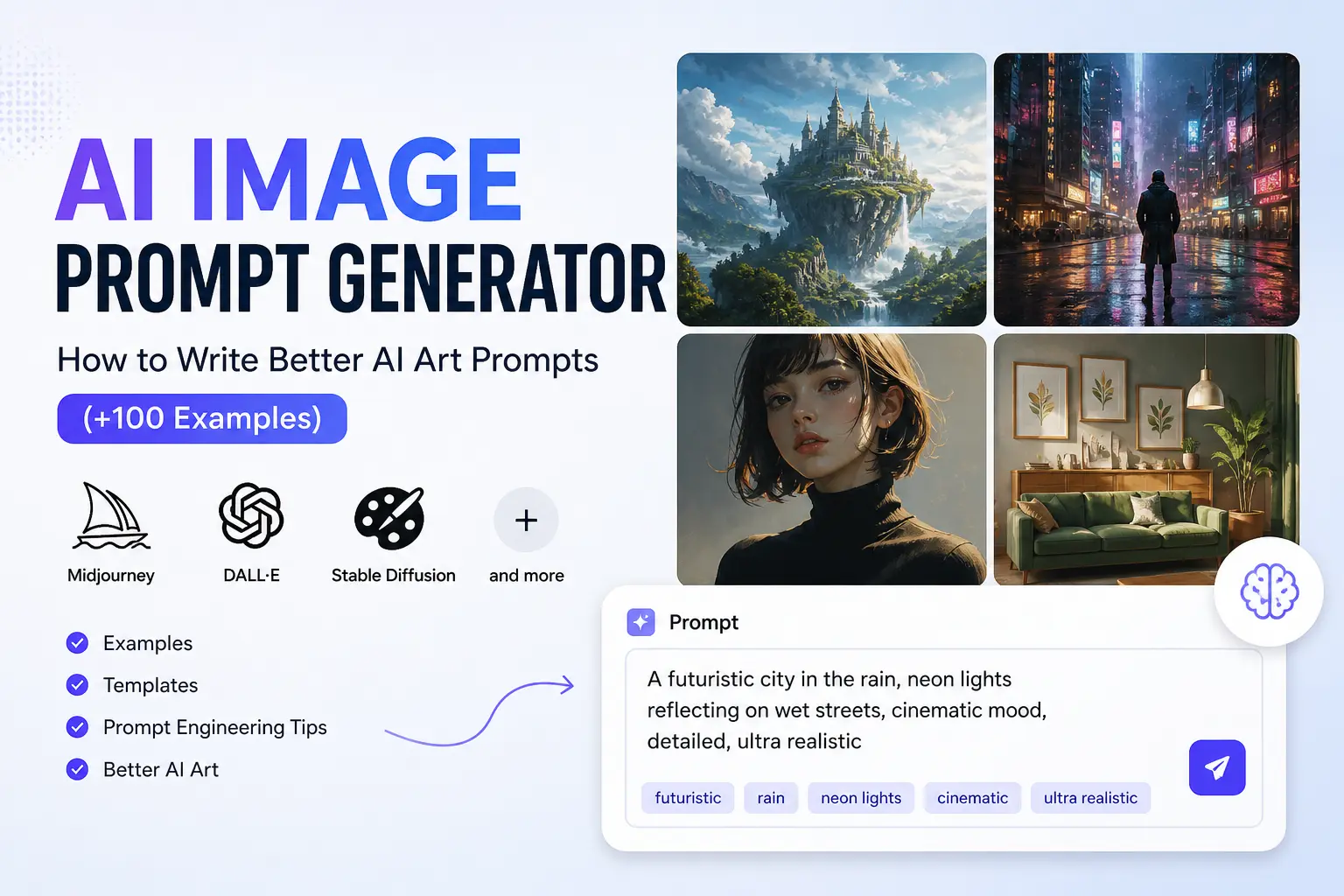
AI Image Prompt Generator: How to Write Better AI Art Prompts
AI image generation has completely changed how creators, marketers, designers, and businesses produce visual content. Today, anyone can create cinematic artwork, realistic portraits, product photography, concept art, social media graphics, and digital illustrations in seconds using AI models like Midjourney, DALL·E, Stable Diffusion, and Flux.
But there’s one major problem:
Most AI-generated images still look generic, inconsistent, blurry, or simply wrong.
The reason is not usually the AI model itself. It’s the prompt.
AI image tools are only as good as the instructions they receive. A vague prompt like “create a cool image” gives the AI very little direction, while a structured and descriptive prompt can produce stunning, professional-quality visuals with cinematic lighting, realistic textures, detailed composition, and a clear artistic style.
In other words:
Better prompts create better AI art.
This process is often called AI prompt engineering, and it has quickly become one of the most valuable creative skills in modern content creation. Whether you are generating AI headshots, fantasy artwork, anime scenes, YouTube thumbnails, ecommerce product images, or social media graphics, learning how to write effective prompts dramatically improves your results.
In this guide, you’ll learn:
- → How AI image prompts actually work
- → Why most prompts fail
- → The structure of high-performing prompts
- → How to write prompts for different art styles
- → Prompt formulas you can reuse
- → 100+ AI image prompt examples
- → Tips for Midjourney, DALL·E, Stable Diffusion, and Flux
- → Common AI prompting mistakes to avoid
We’ll also show you how to streamline your entire workflow using Klyra, an all-in-one AI content platform that combines AI image generation, AI writing, photo editing, product photography, and creative automation in one connected workspace.
Instead of jumping between multiple tools, you can brainstorm ideas, generate prompts, create visuals, edit images, and refine outputs from a single platform designed for both beginners and professional creators.
Whether you're creating content for marketing campaigns, ecommerce stores, YouTube videos, blogs, ads, branding, or personal projects, this guide will help you generate significantly better AI images with smarter prompts.
Create Better AI Images Faster
Generate professional AI art, product photos, social media visuals, and creative concepts using advanced AI models inside Klyra’s all-in-one creative workflow platform.
What Is an AI Image Prompt Generator?
An AI image prompt generator is a tool or system designed to help users create effective text prompts for AI image models. These prompts act as instructions that tell the AI what to generate, including the subject, style, lighting, mood, composition, colors, and artistic direction of the final image.
Modern AI image models like Midjourney, DALL·E, Stable Diffusion, and Flux rely heavily on text prompts to interpret creative intent. The more detailed and structured your prompt is, the more accurate and visually impressive the generated image becomes.
Instead of typing random phrases and hoping for good results, an AI prompt generator helps organize ideas into clear instructions that AI models can understand more effectively.
For example, rather than entering:
“dog in a park”
A well-structured AI image prompt generator may help you create:
“Golden retriever running through a sunny park during golden hour, cinematic photography, shallow depth of field, ultra realistic, warm lighting, 85mm lens, detailed fur texture”
The second prompt gives the AI significantly more context, resulting in a much higher-quality image.
Platforms like
AI Image Generator
make this process easier by allowing users to experiment with prompts, styles, aspect ratios, and image models from one connected workflow.
How AI Prompts Work
AI image models convert written language into visual outputs by analyzing relationships between words, artistic styles, visual patterns, and image datasets they were trained on.
When you enter a prompt, the AI breaks it into concepts and attempts to visually interpret every instruction. This includes:
- 🔹 Subject: What should appear in the image
- 🔹 Style: Realistic, anime, watercolor, cyberpunk, cinematic, etc.
- 🔹 Lighting: Soft light, neon glow, golden hour, studio lighting
- 🔹 Composition: Close-up, wide shot, portrait orientation
- 🔹 Mood: Dramatic, futuristic, dreamy, dark, energetic
- 🔹 Details: Textures, camera lenses, rendering quality, environment
The AI then predicts and generates pixels that best match your description.
This means AI image generation is not random. The output is directly influenced by the clarity, structure, and specificity of the prompt.
Even small wording changes can dramatically alter the final image.
For example:
- “futuristic city”
- “futuristic cyberpunk city at night with neon reflections and rainy streets”
Both prompts describe the same subject, but the second provides much stronger creative direction.
This is why experienced creators spend time refining prompts instead of relying on short generic descriptions.
Why Prompt Engineering Matters
Prompt engineering is the process of designing prompts strategically to produce better AI-generated outputs.
It is one of the biggest factors separating amateur-looking AI images from professional-quality visuals.
Without prompt engineering, AI-generated images often suffer from:
- 🔸 Generic compositions
- 🔸 Inconsistent styles
- 🔸 Incorrect details
- 🔸 Weak lighting
- 🔸 Distorted anatomy
- 🔸 Low visual impact
A strong prompt gives the AI creative direction while reducing ambiguity.
For creators, marketers, ecommerce brands, YouTubers, designers, and agencies, effective prompting can save hours of editing and dramatically improve output quality.
Prompt engineering also improves consistency across projects. Instead of generating random results every time, you can build repeatable prompt frameworks for:
- ✔ Brand visuals
- ✔ Product photography
- ✔ Character designs
- ✔ Social media graphics
- ✔ YouTube thumbnails
- ✔ Advertising creatives
- ✔ Concept art
Tools like
AI Writer
can also help brainstorm and refine prompt ideas faster, especially when building larger prompt libraries or content workflows.
As AI image generation becomes more competitive, prompt engineering is quickly evolving into a core digital creative skill.
Difference Between Simple vs Structured Prompts
One of the most common mistakes beginners make is using prompts that are too short or too vague.
Simple prompts can still work, but they usually produce generic or inconsistent outputs because the AI has very little guidance.
Structured prompts, on the other hand, provide clear creative instructions that help the model generate more polished and intentional images.
Bad Prompt Example
“girl in city”
Problems with this prompt:
- → No artistic style
- → No lighting direction
- → No mood or atmosphere
- → No camera perspective
- → No detail level
- → No environmental context
The AI is forced to guess almost everything.
Good Prompt Example
“Young woman walking through a futuristic Tokyo street at night, cyberpunk aesthetic, neon signs reflecting on wet pavement, cinematic lighting, ultra realistic, shallow depth of field, detailed face, 35mm photography, atmospheric fog, vibrant colors”
Why this prompt works better:
- ✔ Clear subject definition
- ✔ Specific environment
- ✔ Strong visual style
- ✔ Detailed lighting instructions
- ✔ Camera and photography cues
- Mood and atmosphere included
- Higher visual consistency
The difference in output quality between these two prompts can be massive.
As a general rule:
The more intentional your prompt, the more intentional your AI-generated image becomes.
In the next section, we’ll break down the exact anatomy of a high-performing AI image prompt so you can build better prompts consistently across any style or AI model.
The Anatomy of a Great AI Image Prompt
Writing effective AI prompts is not about using random descriptive words. The best prompts follow a structured framework that gives AI models clear creative direction while still allowing room for visual interpretation.
Whether you're using Midjourney, DALL·E, Stable Diffusion, Flux, or another AI image model, high-performing prompts usually contain the same core building blocks.
Think of a prompt like a creative blueprint.
The more precise and intentional the blueprint is, the more accurate and visually impressive the generated image becomes.
Below are the essential components that make up a strong AI image prompt.
Quick AI Prompt Formula
[Subject] + [Style] + [Lighting] + [Environment] + [Camera Angle] + [Mood] + [Color Palette] + [Composition Details]
This formula works across almost every major AI image generation platform and can be reused for portraits, product photography, cinematic scenes, fantasy art, anime, social media graphics, and more.
Subject
The subject is the main focus of the image. It tells the AI what should appear in the scene.
Without a clear subject, the AI has no visual anchor to build around.
Subjects can include:
- 🔹 People
- 🔹 Animals
- 🔹 Objects
- 🔹 Products
- 🔹 Landscapes
- 🔹 Vehicles
- 🔹 Buildings
- 🔹 Fantasy creatures
- 🔹 Food
- 🔹 Characters
The more specific your subject description is, the better the output quality usually becomes.
Weak Subject Example
“dog”
Strong Subject Example
“Golden retriever puppy running through a snowy forest”
Specificity helps the AI understand:
- ✔ Breed
- ✔ Age
- ✔ Action
- ✔ Environment
- ✔ Visual focus
Style
Style defines the artistic direction of the image.
This dramatically changes how the final output looks, even when the subject remains identical.
Popular prompt styles include:
- ✔ Photorealistic
- ✔ Cinematic
- ✔ Anime
- ✔ Cyberpunk
- ✔ Watercolor
- ✔ Oil painting
- ✔ 3D render
- ✔ Fantasy art
- ✔ Pixel art
- ✔ Minimalist
- ✔ Studio photography
For example:
- “samurai warrior, anime style”
- “samurai warrior, ultra realistic photography”
Both prompts describe the same subject but generate completely different visual outputs.
If you want more consistent results, always define the artistic style clearly.
Lighting
Lighting is one of the most powerful elements in AI-generated imagery because it shapes realism, depth, emotion, and visual quality.
Good lighting instructions can instantly make an image feel more cinematic and professional.
Common lighting styles include:
- ✔ Golden hour lighting
- ✔ Soft studio lighting
- ✔ Neon glow
- ✔ Volumetric lighting
- ✔ Dramatic shadows
- ✔ Ambient lighting
- ✔ Natural sunlight
- ✔ Backlighting
- ✔ Low-key lighting
- ✔ High contrast lighting
Example
“cinematic lighting with neon reflections and soft atmospheric fog”
Lighting instructions help create:
- ✔ Depth
- ✔ Realism
- ✔ Emotion
- ✔ Focus
- ✔ Visual storytelling
Camera Angle
Camera perspective changes how viewers experience the image.
Adding photography and camera terminology helps AI models create more dynamic and intentional compositions.
Common camera angles and framing terms include:
- ✔ Close-up shot
- ✔ Wide-angle shot
- ✔ Bird’s-eye view
- ✔ Low-angle shot
- ✔ Portrait framing
- ✔ Macro photography
- ✔ Over-the-shoulder shot
- ✔ 35mm photography
- ✔ 85mm portrait lens
- ✔ Shallow depth of field
Example
“close-up portrait shot with shallow depth of field using an 85mm lens”
These details make AI-generated images feel more like professional photography instead of generic digital art.
Color Palette
Color dramatically influences the visual identity and emotional tone of an image.
Specifying a color palette helps maintain consistency and artistic direction.
Popular color directions include:
- ✔ Warm tones
- ✔ Cool tones
- ✔ Monochrome
- ✔ Pastel colors
- ✔ Vibrant neon colors
- ✔ Earthy tones
- ✔ Dark cinematic colors
- ✔ Black and gold palette
- ✔ Muted colors
- ✔ High saturation
Example
“warm orange and teal cinematic color grading”
Color instructions are especially important for:
- → Branding
- → Social media graphics
- → Product photography
- → YouTube thumbnails
- → Advertising creatives
Mood and Atmosphere
Mood defines the emotional feeling of the image.
This is where prompts become more cinematic and story-driven.
Atmosphere-related keywords help the AI understand emotional tone and visual energy.
Examples include:
- Dreamy
- Dark and moody
- Futuristic
- Mysterious
- Peaceful
- Energetic
- Epic
- Romantic
- Apocalyptic
- Whimsical
Example
“dark cinematic atmosphere with rainy streets and glowing neon signs”
Mood-based prompting improves storytelling and emotional impact.
Aspect Ratio and Composition
Composition controls how elements are arranged inside the image frame.
Aspect ratio instructions are especially important for content creators producing visuals for:
- 🔸 YouTube thumbnails
- 🔸 Instagram posts
- 🔸 TikTok videos
- 🔸 Website banners
- 🔸 Product listings
- 🔸 Ads
Common aspect ratios include:
- 🔹 16:9 for YouTube and widescreen
- 🔹 1:1 for Instagram posts
- 🔹 9:16 for TikTok and Shorts
- 🔹 4:5 for social media portraits
Composition terms can include:
- → Centered composition
- → Rule of thirds
- → Minimal background
- → Symmetrical framing
- → Foreground blur
- → Leading lines
- → Negative space
Example
“centered composition, symmetrical framing, 16:9 aspect ratio”
Good composition makes AI-generated images look polished, balanced, and visually engaging.
Reusable AI Prompt Framework
If you want consistently strong results, use this reusable framework whenever creating prompts:
[Subject], [Environment], [Style], [Lighting], [Camera Angle], [Mood], [Color Palette], [Composition], highly detailed, ultra realistic
Example:
“Luxury perfume bottle on reflective black marble surface, cinematic product photography, dramatic studio lighting, close-up macro shot, elegant atmosphere, black and gold color palette, centered composition, ultra detailed”
This framework works extremely well across:
- ✔ AI product photography
- ✔ Portraits
- ✔ Fantasy scenes
- ✔ Marketing creatives
- ✔ Social media visuals
- ✔ Concept art
- ✔ Branding graphics
Featured Snippet Answer
What makes a good AI image prompt?
A good AI image prompt clearly describes the subject, artistic style, lighting, camera angle, mood, color palette, and composition of the desired image. Structured prompts provide better creative direction, helping AI models generate more accurate, realistic, and visually appealing results.
A good AI image prompt clearly describes the subject, artistic style, lighting, camera angle, mood, color palette, and composition of the desired image. Structured prompts provide better creative direction, helping AI models generate more accurate, realistic, and visually appealing results.