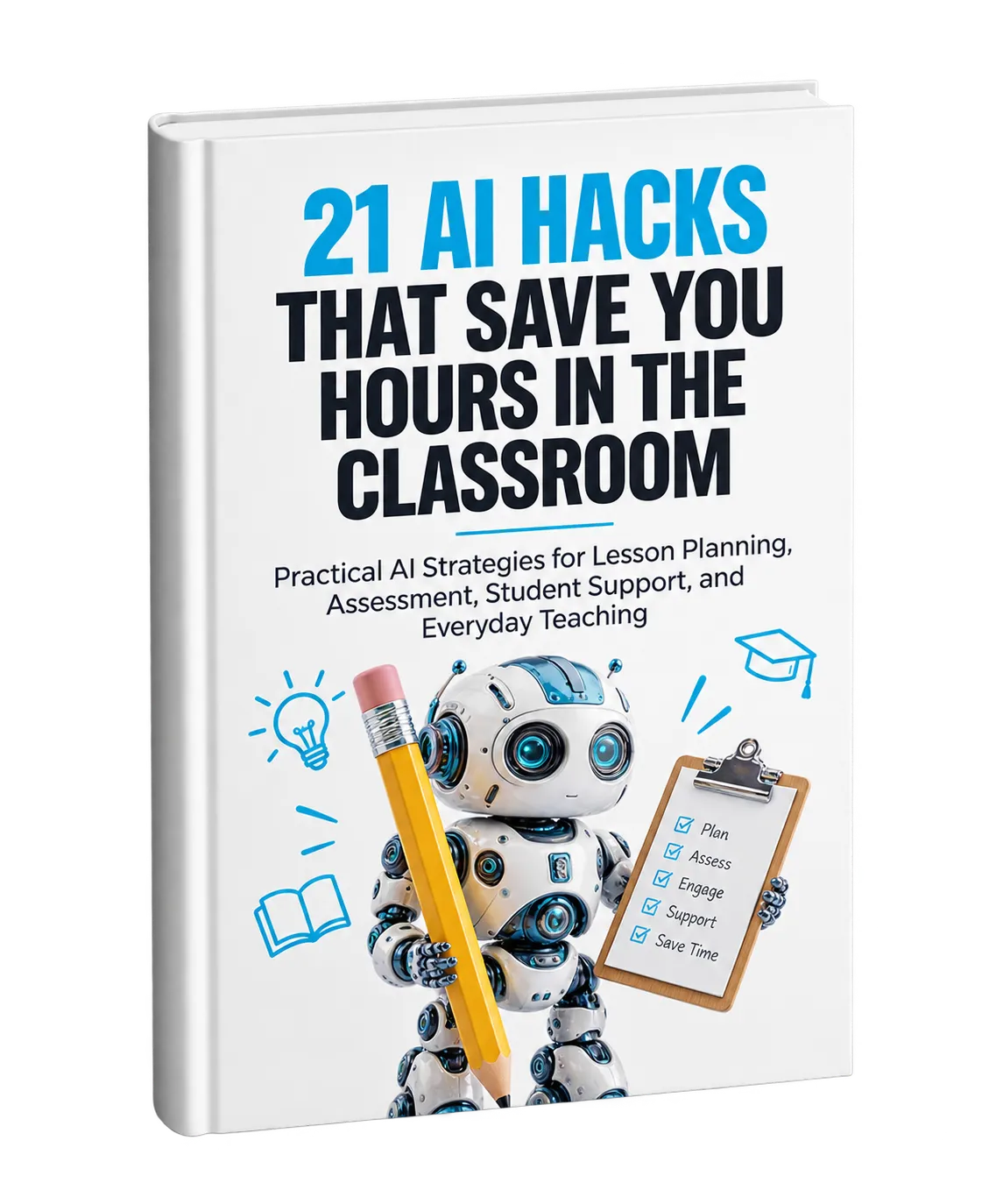
Using AI to Save Time in the Classroom
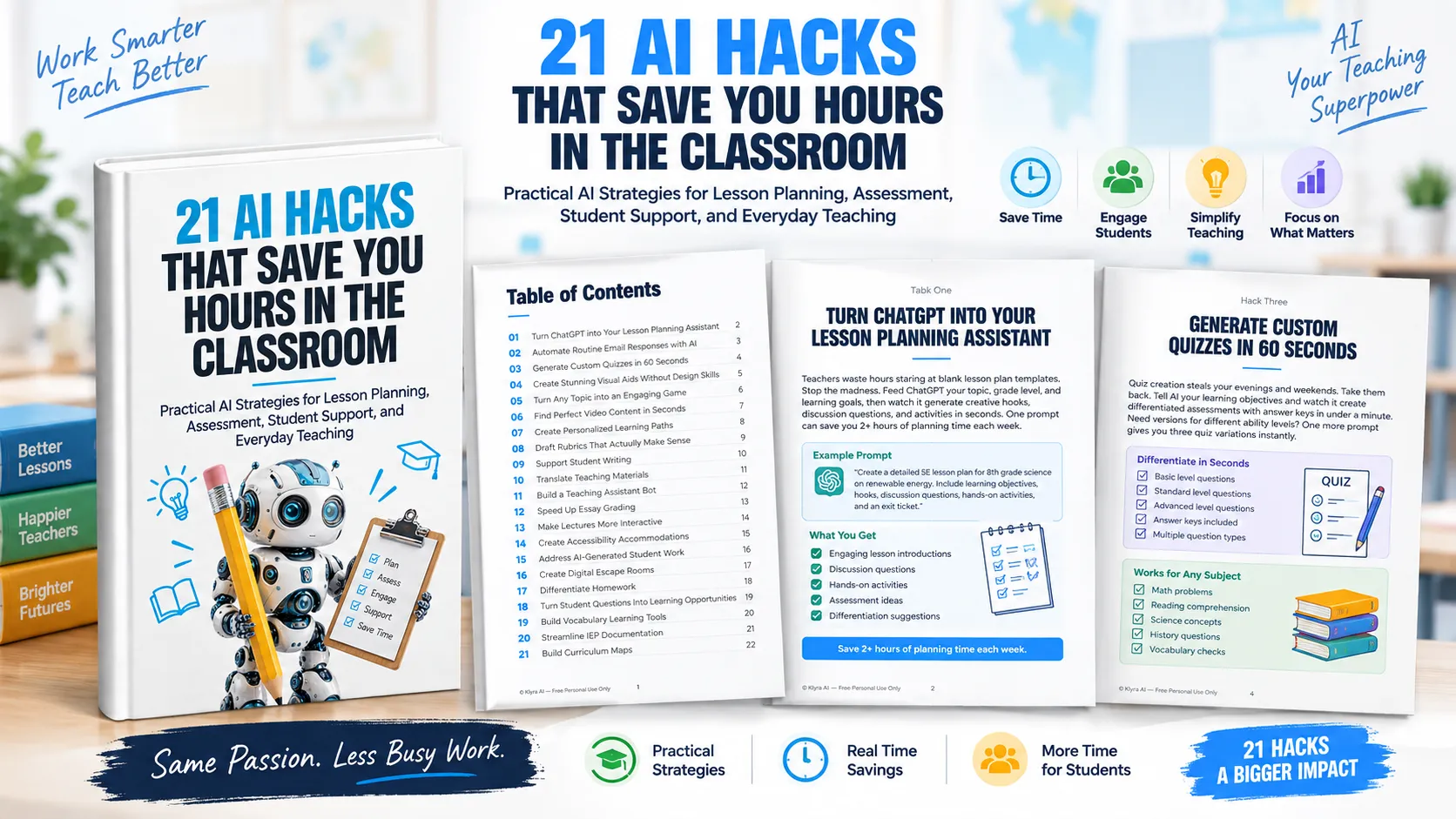
Teachers manage far more than classroom instruction. Lesson planning, assessment creation, grading, communication, differentiation, documentation, and curriculum planning can all consume valuable time. 21 AI Hacks That Save You Hours in the Classroom presents practical ways to use AI across these everyday responsibilities.
The resource is built around 21 individual hacks. Each one focuses on a specific teaching challenge and shows how AI can help reduce repetitive work or make classroom activities easier to prepare.
1. Make Lesson Planning Faster
Lesson planning can begin with a blank template and require significant preparation. The resource suggests giving ChatGPT a topic, grade level, and learning goals so it can generate creative hooks, discussion questions, and activities.
The approach is intended to help teachers move more quickly from a blank page to a structured starting point for a lesson.
2. Reduce Repetitive Communication
Teachers frequently receive recurring questions about homework policies, makeup assignments, and other routine matters. AI can help create template responses for common questions and personalize those responses when needed.
This allows teachers to spend less time repeatedly composing similar emails.
3. Create Assessments More Efficiently
Quiz creation is another task that can consume evenings and weekends. The resource recommends providing AI with learning objectives and using it to generate differentiated assessments with answer keys.
When different ability levels need different versions, additional prompts can be used to create multiple variations.
4. Create Visual Learning Materials
AI image generators can help teachers create visual aids such as infographics and illustrations without requiring advanced design or drawing skills. These materials can make complex concepts easier to present visually.
The resource specifically highlights visual learning materials as one way AI can support classroom instruction.
5. Turn Lessons Into Interactive Activities
AI can also be used to transform ordinary lesson content into challenges, puzzles, and quizzes. The goal is to make learning activities more interactive and encourage greater student participation.
6. Find Relevant Educational Video Content
Searching through numerous videos can take valuable preparation time. The resource suggests using AI to identify and summarize relevant educational video content based on specific teaching objectives.
This can help teachers find material that better aligns with the lesson rather than manually previewing large numbers of videos.
7. Personalize Learning Paths
Creating individual learning plans for every student can be difficult to manage. The guide describes using AI to analyze performance data and generate customized learning sequences for different student profiles.
This approach can provide additional support for struggling students while giving advanced learners opportunities for greater challenge.
8. Create Clearer Rubrics
Rubrics are intended to communicate what successful work looks like, but unclear rubrics can create confusion. AI can help generate detailed, student-friendly rubrics that make expectations easier to understand.
The resource connects clearer expectations with more consistent grading and improved understanding of the desired outcome.
9. Support Student Writing
Instead of correcting every writing issue manually, teachers can introduce AI writing assistants as a way for students to receive targeted feedback on grammar, structure, and clarity before submission.
The resource presents this as a way to help students improve their own writing while reducing some of the grading workload for teachers.
10. Translate Teaching Materials
Language differences can make instructions and communication more difficult. AI translation tools can convert teaching materials into multiple languages, helping ESL students understand instructions and helping parents stay informed.
11. Build a Teaching Assistant Bot
Students often ask recurring questions such as when an assignment is due or where homework instructions can be found. The resource suggests creating a simple AI chatbot to handle these routine questions.
This can free teachers to focus on more complex questions and problems that require their direct attention.
12. Speed Up Essay Grading
Essay grading can consume substantial amounts of teacher time. AI can assist with the mechanical aspects of assessment while the teacher remains focused on content and critical thinking.
The intended result is faster feedback while maintaining teacher oversight and quality control.
13. Make Lectures More Interactive
AI can help transform one-way lectures into more interactive classroom experiences. The resource highlights elements such as real-time polls, quizzes, and discussion prompts that can provide immediate feedback on student comprehension.
14. Create Accessibility Accommodations
Adapting materials for different learning needs can require considerable preparation. AI tools can help convert standard materials into alternative formats, including text-to-speech options and graphic organizers.
The hack focuses on making instructional materials more accessible without requiring teachers to manually recreate every resource.
15. Address AI-Generated Student Work
The resource recognizes that students may use AI to produce assignments and suggests AI detection tools as one way to identify artificially generated work.
Rather than focusing only on detection, the guide frames these situations as opportunities to discuss appropriate technology use, original thinking, and digital citizenship.
16. Create Digital Escape Rooms
Review sessions can be transformed into themed puzzles and challenges with AI. The resource suggests using curriculum-based mysteries and problem-solving activities to make test preparation more interactive.
17. Differentiate Homework
One-size-fits-all homework may not meet the needs of students with different abilities. AI can help teachers create multiple versions of assignments tailored to different levels.
This allows struggling students to work with appropriate challenges while advanced learners can explore deeper applications.
18. Turn Student Questions Into Learning Opportunities
Unexpected questions can lead a lesson in an unplanned direction. The resource suggests using AI to explore tangents in real time when students ask questions that extend beyond the immediate lesson.
This approach can help teachers respond to curiosity while modeling the idea that learning can extend beyond a fixed lesson plan.
19. Build Vocabulary Learning Tools
Subject-specific terminology can make difficult concepts harder to understand. AI can be used to create digital flashcards, memory games, and interactive glossaries that reinforce challenging vocabulary through different learning activities.
20. Streamline IEP Documentation
Special education documentation can create a significant administrative workload. The resource suggests using AI assistants to draft, organize, and update documentation based on teachers' observation notes.
This hack focuses on reducing administrative busywork while supporting the preparation of IEP documentation.
21. Build Curriculum Maps
Yearly curriculum planning can require entire workdays. AI can help generate comprehensive curriculum maps that show connections, gaps, and cross-disciplinary opportunities.
The resource presents curriculum mapping as a way to make teaching more cohesive and intentional while reducing planning time.
Start With One Classroom Task
The 21 hacks cover a broad range of teaching responsibilities, from planning and assessment to student engagement, accessibility, communication, and documentation. The central approach is practical: identify a repetitive or time-consuming task and explore whether AI can help with part of the work.
Rather than attempting to change every workflow at once, the resource encourages teachers to start with one hack, become comfortable with it, and then explore another.
Download the complete resource to explore all 21 classroom AI hacks and identify the ideas that fit your teaching workflow.