Build Landing Pages Around Local Search Intent
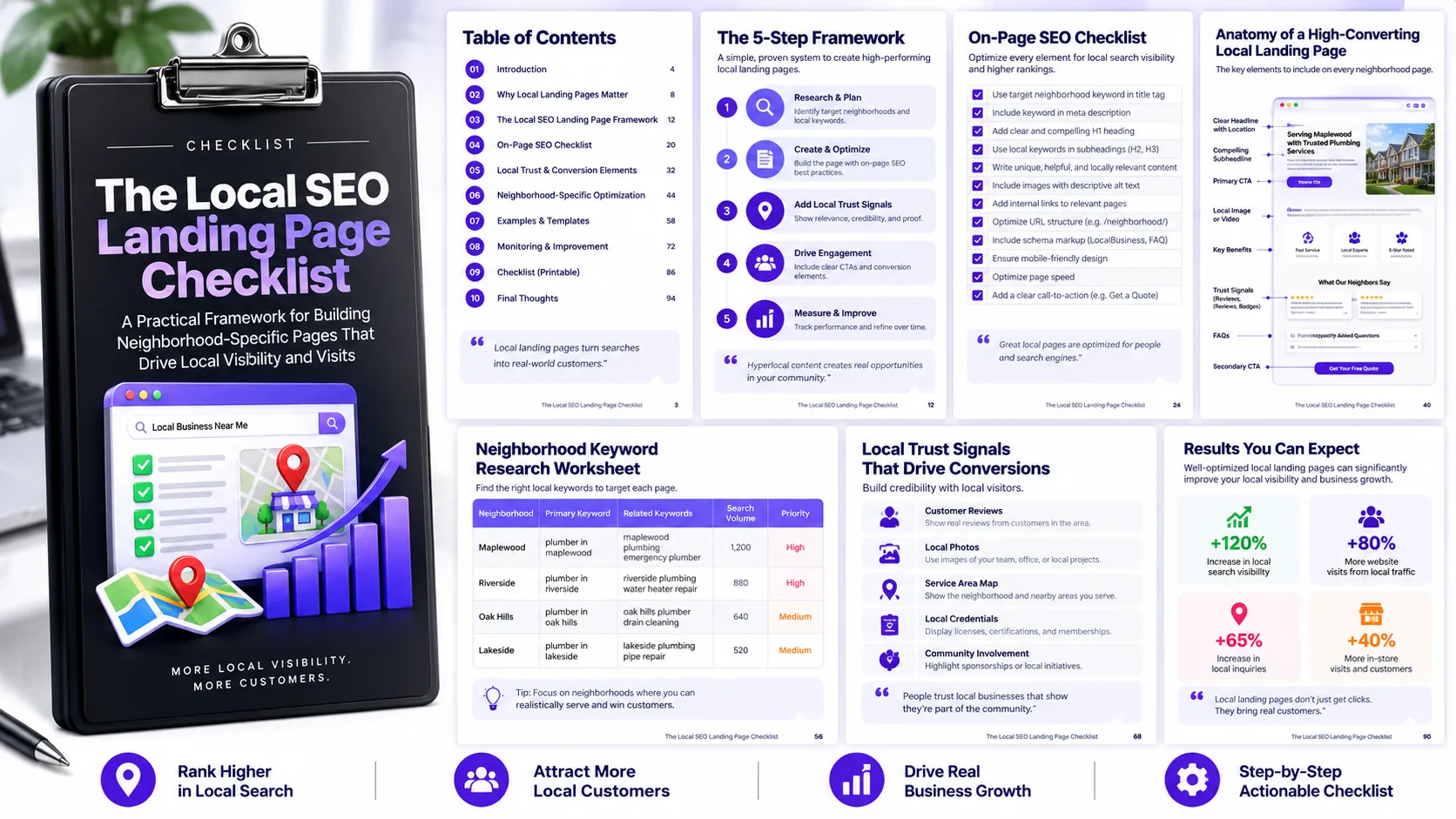
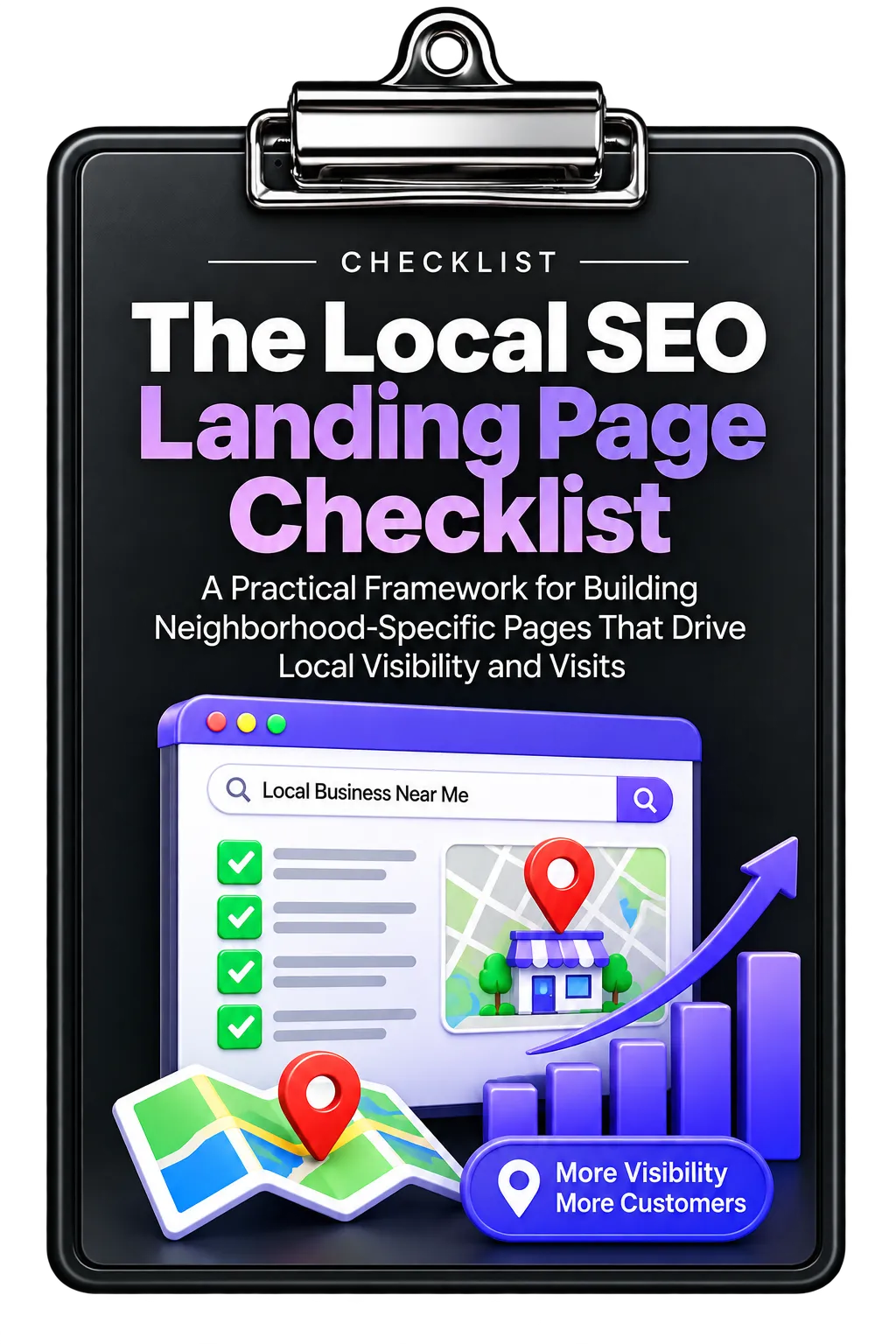
Local businesses need web pages that make their geographic relevance clear to both search engines and potential customers. The Local SEO Landing Page Checklist provides a structured approach for creating neighborhood-specific landing pages that connect local searches with visits, calls, and other customer actions.
The framework focuses on five areas: page structure and keywords, local trust elements, technical SEO, conversion elements, and tracking and improvement. Each area addresses a different part of building and maintaining a useful local landing page.
1. Create a Neighborhood-Specific Page Structure
Start by making the geographic focus immediately clear. The checklist recommends creating a keyword-rich H1 that includes the neighborhood name. This establishes hyper-local relevance for both visitors and search engines.
Demonstrate Genuine Local Expertise
The opening paragraph should demonstrate a real connection to the area. Relevant details can include local landmarks, challenges specific to the neighborhood, or how long the business has served the community.
The purpose is to establish credibility by showing that the page is genuinely relevant to the neighborhood rather than simply adding a location name to generic content.
Use Location-Specific Long-Tail Keywords
Replace broad phrases with more geographically specific searches. The resource illustrates this approach by contrasting a generic phrase such as “best tacos” with a neighborhood-specific phrase such as “best tacos in Albuquerque Old Town.”
The objective is to make the content more relevant to people searching within the specific area the business serves.
Include the Neighborhood in the URL
The checklist also recommends optimizing the URL slug with the neighborhood name. Location terms in the URL help communicate the page's geographic focus and reinforce its local relevance.
2. Strengthen Local Trust
A strong local landing page should provide visitors with evidence that the business is genuinely connected to the area.
Show Where the Business Is Located
Embed a Google Map that shows the business's proximity to the neighborhood. This provides visual confirmation of the location and helps visitors understand how close the business is to them.
Use Authentic Local Visuals
Include geo-tagged photos of the business in the neighborhood. The checklist identifies location data in images as another way to connect visual content with the specific area while providing evidence of local presence.
Feature Local Customer Testimonials
Testimonials from customers in the target neighborhood provide social proof from people who live in or know the area. This can help establish trust with other potential customers from the same location.
Address Neighborhood-Specific Needs
Identify challenges or needs that are specific to the neighborhood and explain how the business addresses them. This demonstrates a deeper understanding of local customers and reinforces the page's relevance.
3. Apply Technical Local SEO Elements
Local relevance should also be supported by the technical structure of the page.
Implement LocalBusiness Schema
The checklist recommends using schema.org/LocalBusiness structured data to help search engines understand information such as business type, location, hours, and services.
Optimize Image Alt Text
Use relevant neighborhood keywords in image alt text where appropriate. The resource identifies this as another potential discovery path through local image searches.
Keep NAP Information Consistent
Ensure the business's Name, Address, and Phone information matches the Google Business Profile and remains consistent across online platforms. Consistent information supports legitimacy and reduces confusion for customers.
Build Internal Local Links
Connect the landing page to related neighborhood-specific content on the website. Internal links help visitors discover relevant information and help search engines understand the depth of the site's local content.
4. Make the Page Easy to Convert
Local search visibility is only part of the goal. Once visitors arrive, the page should make the next step clear and easy.
Use a Neighborhood-Specific CTA
Create a prominent call to action tied directly to the location. The resource gives examples such as inviting visitors to visit a specific neighborhood shop or call a particular location.
A location-specific CTA makes the intended next action immediately clear.
Make Phone Contact Easy
Display a visible phone number with click-to-call functionality. This is particularly useful for mobile visitors who want to contact the business directly from the landing page.
Highlight Relevant Local Offers
Feature products, services, or promotions that specifically appeal to residents of the target neighborhood. This communicates an understanding of local needs while giving visitors a relevant reason to take action.
Provide Practical Directions
Include information that makes the physical location easier to reach. Depending on the neighborhood, this can include parking information, public transportation options, or nearby landmarks.
5. Track and Improve Each Neighborhood Page
Local landing pages should be measured individually so the business can understand which locations are producing meaningful results.
Use Page-Level Analytics
Set up Google Analytics tracking at the page level and monitor each neighborhood page separately. This allows businesses to identify which areas generate traffic and conversions.
Connect Google Business Profile Activity
Connect Google Business Profile “Website Clicks” with landing page performance. According to the checklist, this helps reveal which pages contribute to outcomes such as foot traffic or calls.
Keep Local Content Current
Schedule monthly reviews and updates. Fresh local content can include seasonal updates, local events, and new testimonials. Maintaining current information helps keep neighborhood pages relevant over time.
A Complete Local Landing Page Workflow
The framework can be used as a practical sequence when creating or reviewing a neighborhood-specific page:
- Define the location: Make the neighborhood clear in the page heading, URL, and content.
- Establish local relevance: Demonstrate knowledge of the neighborhood and its specific needs.
- Build trust: Add maps, local photos, testimonials, and other evidence of local presence.
- Strengthen technical SEO: Implement LocalBusiness schema, relevant image alt text, consistent NAP information, and internal links.
- Improve conversion: Add a location-specific CTA, click-to-call phone number, relevant offers, and practical directions.
- Measure performance: Track each page separately and connect page performance with Google Business Profile activity.
- Maintain the page: Review it monthly and refresh local information as appropriate.
Turn Local Relevance Into a Complete Page Experience
A neighborhood landing page works as more than a location keyword page. The checklist brings together local content, trust signals, technical SEO, conversion elements, and measurement into one practical framework.
The strongest implementation is therefore not simply about adding a neighborhood name. It is about creating a page that demonstrates local relevance, helps visitors understand the business's connection to the area, makes contact or visits easier, and provides measurable performance data for ongoing improvement.
Use the complete checklist as a practical reference when creating, reviewing, or improving neighborhood-specific landing pages.