Make AI Writing Sound More Like You
AI can produce polished copy that is grammatically correct and easy to read, yet still feel too generic. The resource argues that the issue is often not the AI tool itself, but the way the prompt guides the tool.
Instead of treating AI as a writer that already understands your voice, treat it more like a talented new hire who needs context about how your brand communicates. Specific instructions, real examples, constraints, and recognizable language can give the model a clearer pattern to follow.
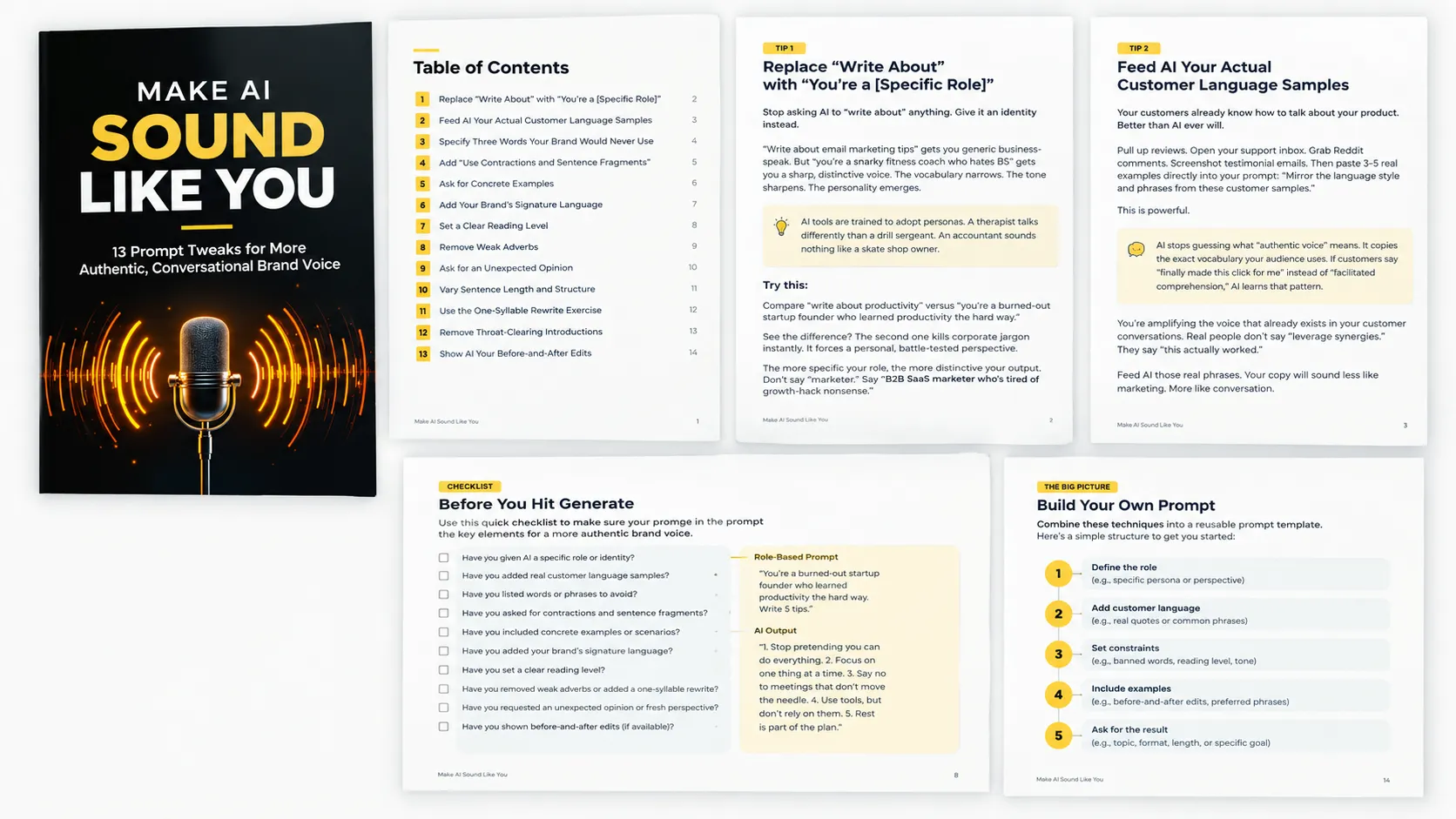
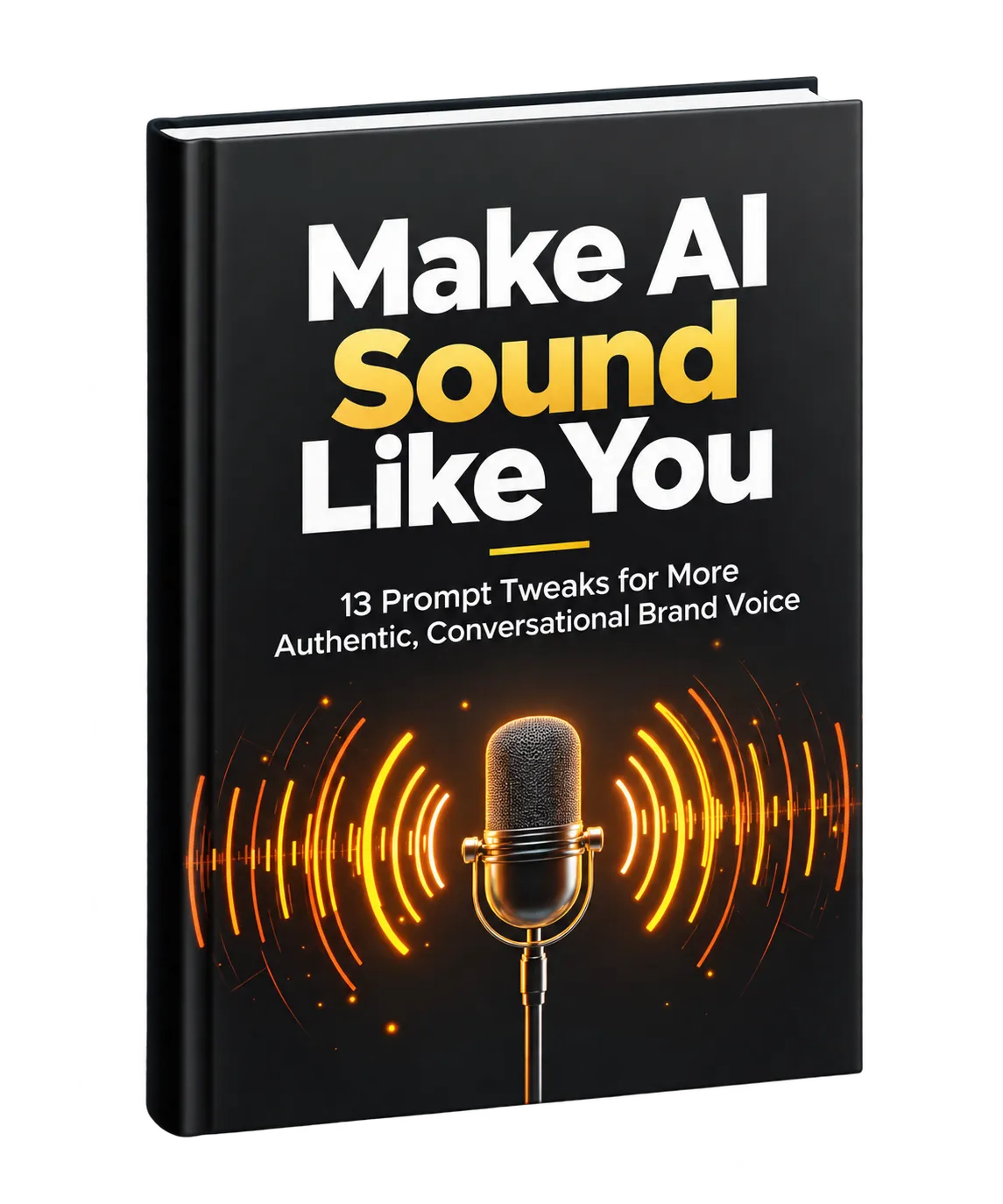
This resource presents 13 prompt tweaks designed to move AI-generated writing away from generic language and toward writing that feels more authentic, conversational, specific, and recognizable.
1. Give AI a Specific Role
Rather than asking AI to simply “write about” a topic, give it a specific identity or role. A broad instruction can produce generic business language, while a detailed persona gives the writing a more defined perspective and personality.
The resource recommends making the role specific rather than relying on a broad label. For example, instead of simply asking AI to act as a marketer, define a more particular perspective that naturally influences vocabulary, tone, and point of view.
2. Use Real Customer Language
Your customers already use language to describe their problems, experiences, and reactions. Those real phrases can provide better voice guidance than abstract instructions about what “authentic” writing should sound like.
The resource recommends collecting several examples from sources such as reviews, support conversations, Reddit comments, or testimonial emails and placing them directly into the prompt. AI can then use the vocabulary and phrasing patterns found in those examples.
This helps shift the output away from formal marketing language and toward the language real people already use when talking about the product or experience.
3. Tell AI Which Words to Avoid
Another way to shape a distinctive voice is to define what your brand would never say. The resource points to common corporate buzzwords, exaggerated modifiers, and vague phrases as examples of language that can make writing feel generic.
Adding a short list of prohibited words to your prompt creates a clear constraint. Instead of defaulting to familiar phrases, AI has to search for alternative ways to communicate the same idea.
4. Encourage Contractions and Sentence Fragments
Formal grammar can make AI writing feel stiff. The resource recommends explicitly asking AI to use contractions and allow sentence fragments.
This can create a looser rhythm that resembles natural conversation. Short fragments can also create emphasis and change the pace of a paragraph.
5. Ask for Concrete Examples
Abstract benefits such as “improved productivity” or “better results” can be difficult for readers to visualize. The resource recommends asking AI to show specific scenarios, examples, numbers, or before-and-after situations instead.
Concrete situations give readers something recognizable to connect with. Rather than simply describing a benefit, the writing can demonstrate what that benefit looks like in practice.
6. Add Your Brand's Signature Language
Distinctive brands often develop phrases, metaphors, or names for concepts that become part of their recognizable voice. AI will not automatically know these expressions, so the resource recommends putting them directly into your prompts.
You can specify particular phrases and explain when they should be used. Adding this language consistently helps AI reproduce recognizable patterns across different pieces of content.
7. Set a Clear Reading Level
The resource recommends keeping AI writing below a grade 10 reading level, with an example instruction to write at an eighth-grade reading level.
The purpose is to simplify vocabulary and sentence structure without necessarily simplifying the underlying idea. The resource emphasizes clear, direct communication and suggests checking AI output with the Hemingway App when evaluating reading complexity.
8. Remove Weak Adverbs
The resource recommends asking AI to eliminate adverbs and replace weak modifiers with stronger word choices. Words such as “very,” “really,” “quite,” and “extremely” can sometimes be replaced with more precise language.
This approach is particularly presented as useful for concise formats such as sales copy, subject lines, and headlines, where every word has to earn its place.
9. Ask for an Unexpected Opinion
AI tends to produce safe, broadly agreeable content. The resource recommends asking for one controversial or unexpected opinion that challenges conventional thinking.
The resulting opinion does not have to appear in the final piece. Instead, it can give you an alternative perspective, create a stronger point of view, or spark a better idea. The goal is to move the draft beyond predictable consensus language.
10. Deliberately Vary Sentence Length
AI-generated writing can fall into repetitive sentence patterns. The resource recommends explicitly controlling sentence-length variation, such as mixing short sentences with longer explanations and occasional fragments.
Sentence variation creates rhythm. Short sentences can provide impact, while longer sentences can provide context and explanation. The resource encourages studying how strong writers vary sentence length and then giving AI similarly deliberate instructions.
11. Use the One-Syllable Rewrite Exercise
The resource presents an unusual editing exercise: ask AI to rewrite a passage using only one-syllable words.
This version is not necessarily intended to become the final copy. Instead, it can expose simpler alternatives to complicated words and reveal which ideas genuinely require more sophisticated language.
You can then take the clearest phrases from the simplified version and incorporate them into the final draft. The result can be more direct and accessible while preserving necessary complexity where it matters.
12. Remove Throat-Clearing Introductions
AI often uses introductory setup before reaching the actual point. The resource describes these openings as “throat-clearing” introductions and recommends instructing AI to skip the setup and begin with immediate value.
This approach is especially relevant to emails, social posts, and blog introductions, where the opening sentence has to establish relevance quickly. Instead of announcing what the content will discuss, start with the useful point itself.
13. Show AI Your Before-and-After Edits
The resource identifies before-and-after editing examples as its most powerful technique. Instead of only explaining what you want AI to do, show it how you have already transformed generic AI writing into your preferred voice.
Include several examples containing both the original AI output and your edited version. AI can then identify patterns in the changes you make, such as removing jargon, simplifying sentences, adding contractions, or injecting more personality.
The resource recommends building a collection of your strongest edits and incorporating them into a reusable prompt template. This gives AI examples of the specific patterns you want it to reproduce whenever it creates new content.
Build Your Own Voice Prompt
The 13 techniques can be used individually, but they can also become components of a reusable prompt template. Start by defining the role you want AI to adopt, then provide real customer language and examples of your own edits.
Add the language constraints that matter to your brand, including words to avoid, signature phrases, reading-level preferences, sentence rhythm, and instructions about unnecessary introductions or weak modifiers.
The resource's central idea is that AI becomes more useful when you give it specific examples and constraints instead of expecting it to understand your voice automatically.
Start With a Few Changes
You do not need to implement all 13 techniques at once. The resource recommends starting with three techniques and adding them to your next prompt.
Compare the resulting output with what AI normally produces. Then refine the instructions that have the biggest effect on the way the writing sounds.
Over time, your collection of customer language, signature phrases, preferred patterns, and before-and-after edits can become a practical reference for generating first drafts that are closer to your preferred voice.
The Goal: Faster Writing That Still Feels Like You
The purpose of these prompt tweaks is not simply to make AI writing sound different. It is to make AI-generated drafts more closely reflect the voice, language, rhythm, and perspective you want to communicate.
With better instructions and better examples, you can keep the speed of AI-assisted writing while spending less time turning generic output into something that feels authentic.
The resource closes with a simple recommendation: start with three techniques, use them in your next prompt, and see how the output changes.